
Generative AI for Program Managers: Tools and Skills

Generative AI for program managers is mostly about documents and decisions, not code. A program manager spends the week turning conversations into notes, notes into plans and plans into updates for people who have two minutes to read them. That is the kind of work a text-based AI tool can draft in seconds, and it is also work where a confident mistake can reach a steering group.
The short answer on generative AI for program managers: let the tool draft, keep the judgement, and check every output against its source. The guide includes a prompt you can try on your own meeting notes, the tools you are likely to meet and the skills worth building.
Table of Contents
▼Where AI Fits in a Program Manager's Week
Most of a program manager's output is written: status reports, meeting notes, risk logs, stakeholder emails and plans. Each has a first-draft step that eats time and a review step that needs your knowledge of the program. Generative AI helps with the first step, and the second stays yours.
| Task | What the AI can draft | What you check |
|---|---|---|
| Meeting notes | A summary and a list of actions from a transcript or your rough notes | Owners and dates against what was actually said |
| Status report | A short update from notes, ticket summaries or last week's report | Every number and every "on track" against your own data |
| Risk and issue log | Candidate risks and wording for each entry | Whether the risk is real, who owns it and how likely it is |
| Stakeholder emails | A first version in the tone you ask for | Politics, history and anything the AI cannot know |
| Planning | A work-breakdown list or a set of questions to ask a team | Dependencies, capacity and dates, which the tool cannot see |

What to Give to AI and What to Handle Yourself
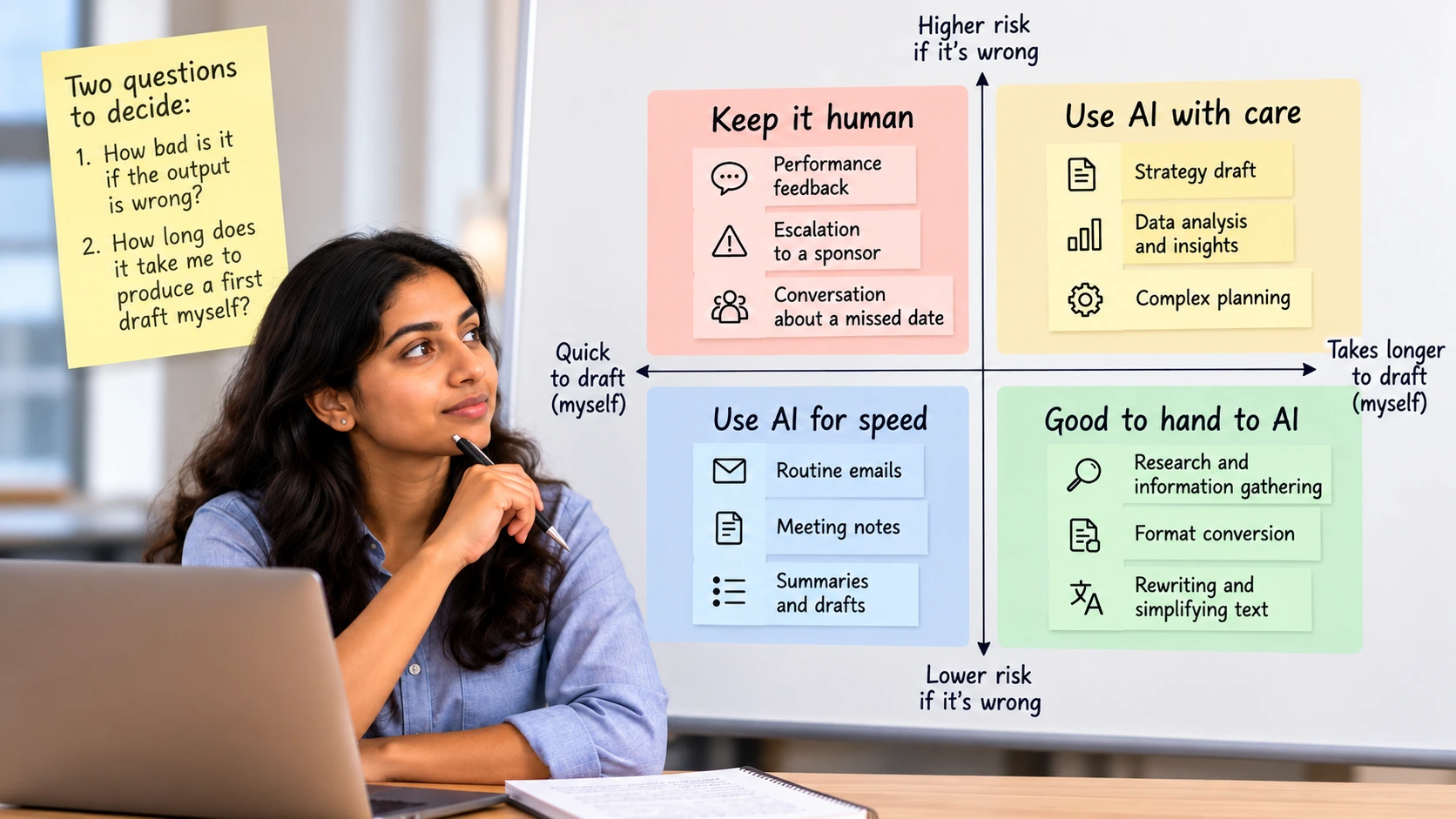
As a Program Manager, you can use Generative AI to save time on everyday tasks. But not every task should be handed over to AI.
A simple way to decide is to ask two questions: How much time will AI save me, and what happens if its answer is wrong?
Use AI for tasks like drafting meeting summaries, creating project plans, and preparing status reports. These tasks are easier to review and correct.
Keep important human conversations, such as giving performance feedback, escalating an issue to a sponsor, or discussing a missed deadline, under your control. A poorly worded message can damage trust or create confusion.
The simple rule
Let AI help with the first draft, but use your own judgement for important decisions and sensitive conversations.
A Worked Prompt: Raw Meeting Notes to Actions, Risks and a Status Update
The prompt below handles the most common task. It asks for three things, tells the tool what to do when information is missing and bans additions. The last rule matters most, because a chat assistant will fill gaps with plausible names and dates unless told not to. Paste it with your own notes, using a tool your company allows.
You are helping a program manager. Below are raw notes from a weekly program meeting.

Do three things:
1. List every action item as: owner, action, due date. If the owner or the date is not in the notes, write "not stated" instead of guessing.
2. List each risk that was mentioned, one line each, and who raised it.
3. Draft a five-line status update for the steering group in plain language.

Rules: use only what is in the notes. Do not add names, dates or numbers that are not there.

Notes:
[paste the meeting notes here]
Then check the output the way you would check a junior colleague's draft. Read each action item against the notes and confirm the owner and date match. Look for risks that nobody mentioned. Check that the five-line update says nothing about progress you cannot support. If the tool wrote "not stated" for a date, go and find out the date.
Tools You Will Meet
You probably do not need to pick a tool from scratch. Most program managers use whatever their company already pays for, so start by asking what is approved. Three kinds come up often:
| Tool type | Example | Where it helps | Before you rely on it |
|---|---|---|---|
| Meeting assistant | Copilot in Microsoft Teams meetings | Recaps, notes and action items from a meeting's transcript and chat | Microsoft says the full recap needs Teams Premium or a Microsoft 365 Copilot licence, so your admin decides if you have it |
| Work-tracking assistant | AI features in Jira | Summaries of work item details and comments | Atlassian says AI is on by default for Standard, Premium and Enterprise plans and admins manage the settings, so ask what your site allows |
| General chat assistant | ChatGPT or a similar tool | Drafting, rewriting, brainstorming risks, preparing questions | Check your company's policy on pasting program data into it before you do |
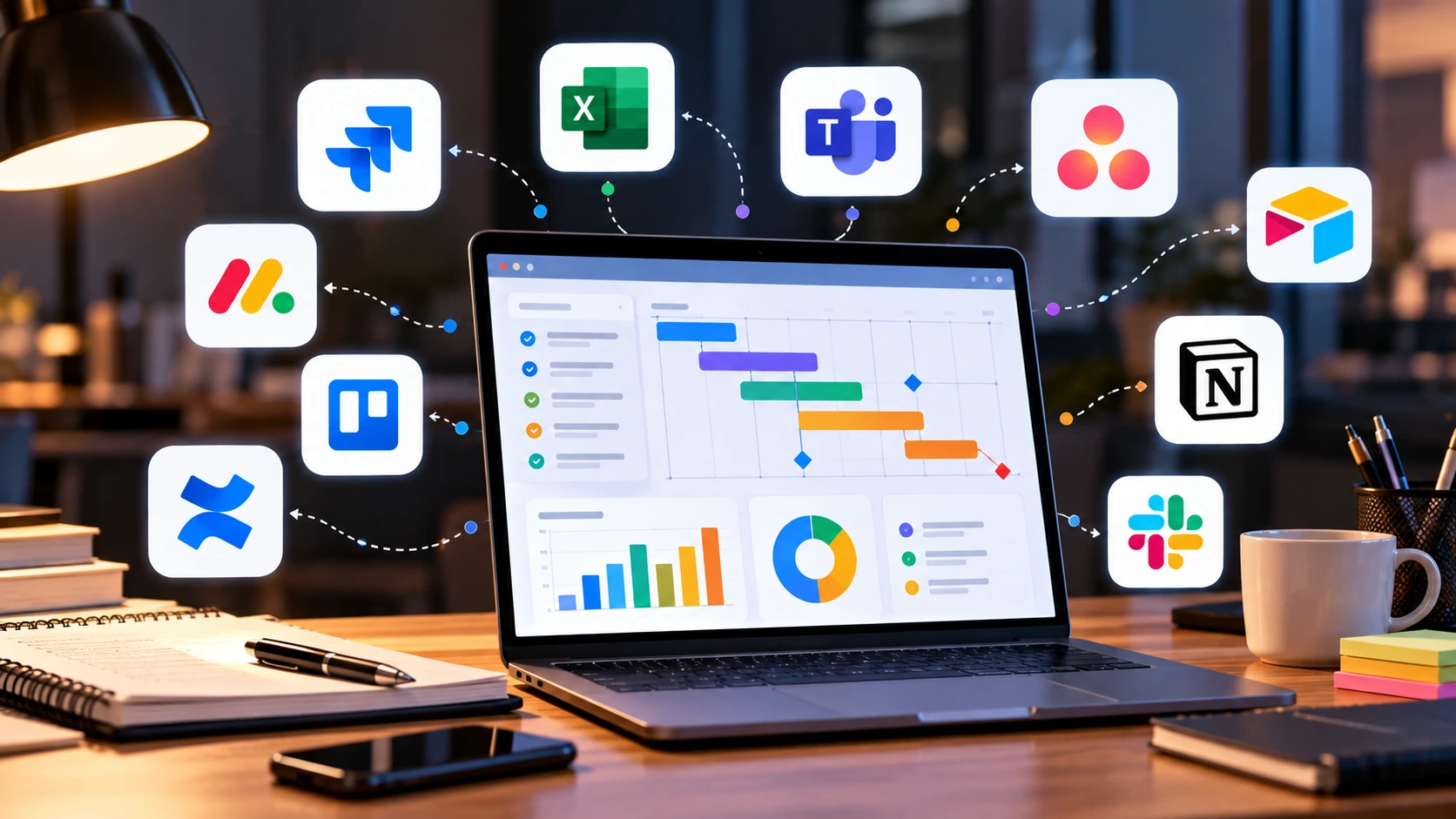
Features and plan limits change often, so read the vendor's current page before you plan around any of these. The IBM program-manager course on Coursera, for comparison, teaches with ChatGPT as its only listed tool. The skills below carry over from one tool to the next.
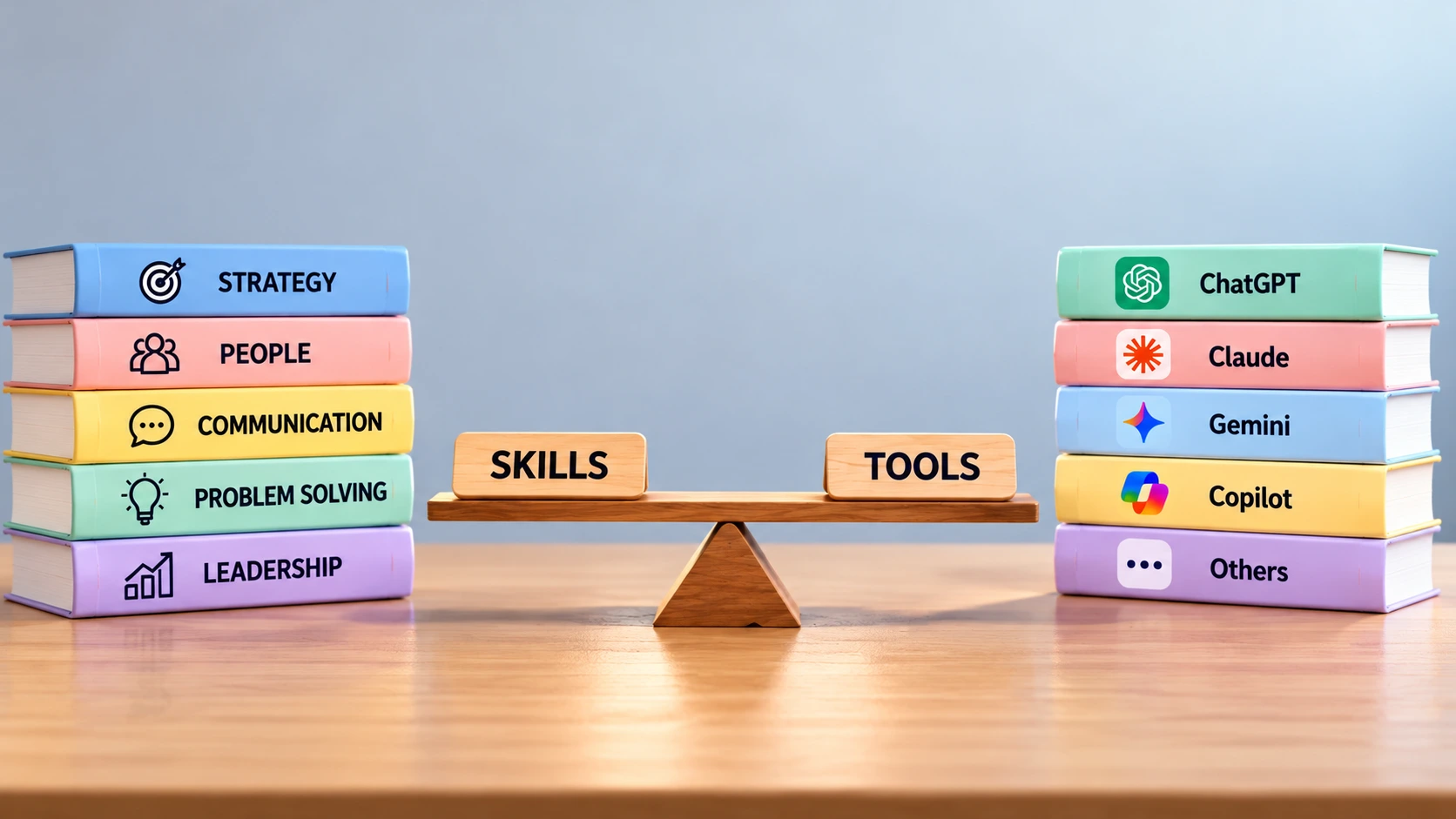
The Skills That Matter More Than the Tool
- Writing a clear brief. Say who the output is for, what format you want and what the tool must not do. The IBM course lists persona prompting and chain-of-thought prompting among its labs.
- Checking against the source. Treat the output as a draft that you verify line by line, as in the meeting-notes example.
- Knowing what you may paste. Confidential program data, client names and personal details follow your company's rules, not the tool's defaults.
- Judging risk. Decide how much a wrong answer would cost before you decide how much review it needs.
- Explaining your use. Be able to tell a sponsor which parts of a report an AI drafted and who reviewed them.
Five Questions Before You Paste Anything
These five questions take a minute and cover most of the risk of using AI on a program:
- Is this tool approved for work use, and for this kind of data?
- Does the input include client names, personal details, pricing or anything under a contract?
- Who will review the output before it leaves my hands?
- Can I show where each fact in the output came from?
- If the output is wrong and nobody notices, what happens?
If you want a published framework behind these questions, NIST's AI Risk Management Framework is a voluntary framework from the US standards body, released in January 2023, organised around four functions: Govern, Map, Measure and Manage. NIST also published a Generative AI Profile in July 2024 for risks specific to generative AI. You do not need to adopt either, but they give you vocabulary for conversations with risk and security teams. Our guide to agentic AI versus generative AI explains where tools that act on their own differ from the chat tools above.
Learning It: A Course, or Four Weeks of Practice
If you like structure, IBM and SkillUp offer a Generative AI for Program Managers specialization on Coursera. It has three courses of 8, 10 and 9 hours, is rated intermediate, assumes you already know program management and is paid. It covers prompting and use across program definition, delivery and closure, plus ethics. If you prefer to practise on your own work, this plan uses no extra course:
- Week 1: use the meeting-notes prompt on three of your own meetings and keep a note of every error you catch.
- Week 2: draft one status report with AI from your notes, then compare it with what you would have written.
- Week 3: ask the tool to list risks for your next phase, then rank them yourself and keep only the ones you believe.
- Week 4: write a one-page "how I use AI on this program" note for your sponsor, covering tools, data rules and review steps.
If you would like a guided order next to your job, MicroDegree's learning programs are one option to compare. For the wider skill list behind these tools, see our guide to in-demand generative AI skills, and for a neighbouring delivery role, cloud skills for Scrum Masters.
Conclusion
Generative AI will draft your notes, reports and first-pass risks faster than you can type them. It will not know your sponsor, your dependencies or what the team really said in the corridor. Use it for the first draft, keep the check and the decision, and write down how you use it so others can trust the result.
FAQs
1. Will generative AI replace program managers?▼
The sources read for this post describe it as a tool that drafts and summarises, and none shows it owning stakeholder relationships or accountability. Treat any firmer claim, in either direction, with caution.
2. Which AI tool should a program manager start with?▼
The one your company has approved. If you have a choice, a meeting assistant or a general chat assistant is a low-risk place to practise the prompt and checking habits in this guide.
3. Can I paste program data into ChatGPT?▼
Only if your company policy allows it for that kind of data. Client names, personal details and contract terms often need an approved tool, so ask before you paste.
4. Do I need to learn to code to use AI in program management?▼
No. Writing clear instructions and checking the output matter more than code for the tasks in this guide.
5. Does a generative AI course raise a program manager's pay?▼
No reliable data was found, and this post does not promise it. A certificate may help you show what you can do, but the proof is how you use the tools on real programs.
Curious how it feels beyond a single chat window?Click here to take a free Generative AI demo