
From Application Support to Cloud Operations: Understanding CloudOps Roles and Responsibilities
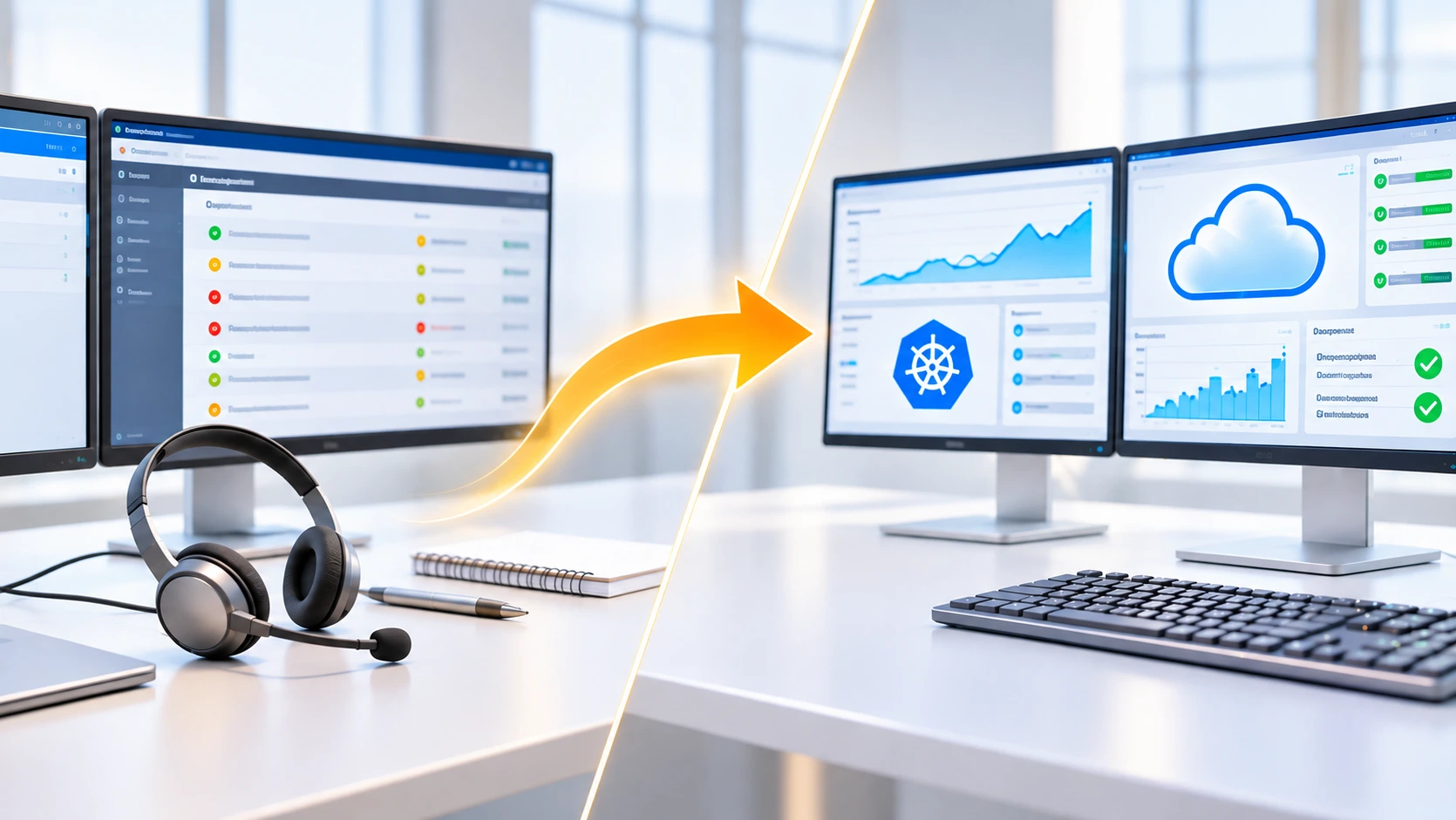
A production application starts responding slowly and an alert fires. You check the logs, rule out the application, find the database waiting on a dependency, escalate to the infrastructure team and coordinate the recovery. That loop is the heart of support, and most of Cloud Operations (CloudOps) runs on it with cloud services underneath.
This guide explains Application Support to Cloud Operations as daily work: what CloudOps teams own, which of your tasks map to which cloud tools, and how to practise safely. It isn't a study plan. For one, see our DevOps roadmap for application support engineers.
Table of Contents
▼What is Cloud Operations (CloudOps)?
CloudOps is the work of running cloud environments after applications are deployed: keeping workloads available, fast, secure and affordable, and fixing them when they break. Deploying happens once, operating happens daily, so organisations need people who own monitoring, incidents, patching, backup, access and cost checks.
It's an operational discipline, not one standard job title. You may see Cloud Operations Engineer, Cloud Support Engineer, Cloud Administrator, Cloud Operations Analyst, Cloud Infrastructure Support Engineer or AWS SysOps Administrator, and the duties differ by company.

How does CloudOps differ from DevOps and Cloud Engineering?
| Aspect | CloudOps | DevOps | Cloud Engineering |
|---|---|---|---|
| Main objective | Keep cloud services healthy | Speed up and automate software delivery | Design and build cloud infrastructure |
| Daily work | Monitor, respond, patch, back up, manage access | Pipelines, releases, collaboration | Build and maintain infrastructure and solutions |
| Typical tools | CloudWatch, Azure Monitor, Systems Manager | Git, CI/CD, containers, IaC | Terraform or CloudFormation, networking, IAM |
| Operational ownership | Runs and supports production | Shared between development and operations | Owns infrastructure design and delivery |
| Automation expectation | Scripts for repetitive operations | High, for build and deploy | High, infrastructure as code |
| Deployment and infrastructure | Operates what exists | Builds delivery pipelines | Provisions and changes infrastructure |
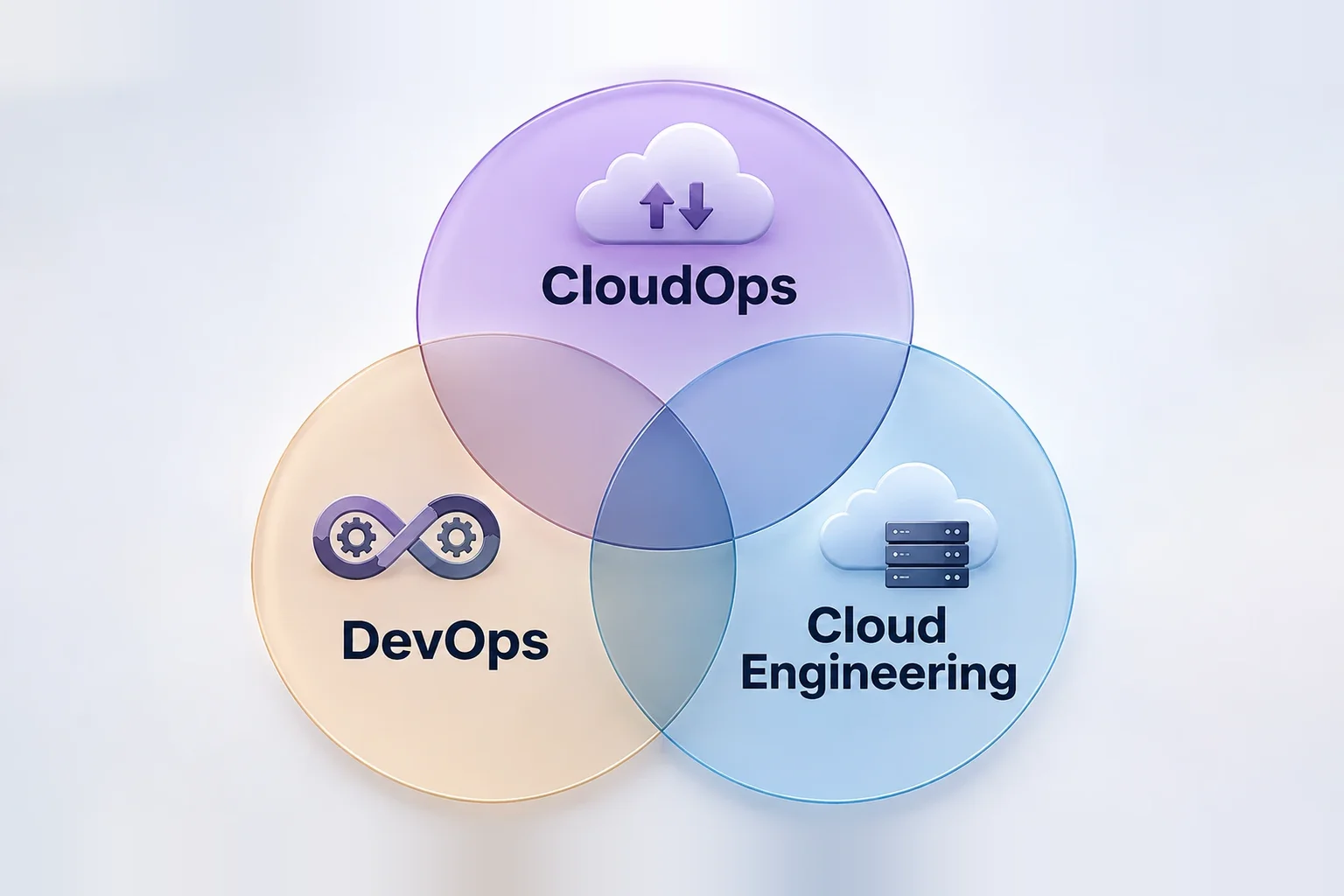
Treat the roles as overlapping. A small company may give one person all three jobs, while a large one may split them across teams, so read the job description. For a closer look at two neighbouring roles, see Cloud Administrator vs Cloud Engineer.
Which application support tasks map to CloudOps work?
This mapping matters most. The tools are examples, not a standard stack, because employers choose different ones.
| Support task | CloudOps equivalent and tools | Example | Learn next |
|---|---|---|---|
| Incident investigation | Cloud incident response: CloudWatch, Azure Monitor | A checkout API times out and traces to an unhealthy instance | Metrics, alarms, health checks |
| Application monitoring | Infrastructure and workload monitoring: CloudWatch, Azure Monitor | Alert on error rate and CPU, not just "service up" | Dashboards, alarm thresholds |
| Log analysis | Central log search: CloudWatch Logs, Azure Monitor Logs | Query one error across ten servers | Log queries (Logs Insights, KQL) |
| Server health checks | Compute health monitoring: Amazon EC2, Azure Virtual Machines | Catch a failing status check before users do | Instance status, disks, scaling basics |
| User access requests | Identity and access management: AWS IAM, Microsoft Entra ID | Give a tester read-only access to one bucket | Roles, policies, least privilege |
| Server patching | Patch management: AWS Systems Manager, Azure Update Manager | Patch a fleet inside a maintenance window | Patch baselines, schedules |
| Backup verification | Backup and recovery: AWS Backup, Azure Backup | Prove last night's backup actually restores | Backup plans, restore tests |
| Performance troubleshooting | Resource and application analysis: CloudWatch metrics, Azure Monitor | A slow page turns out to be memory pressure, not the database | Correlating metrics, right-sizing |
| Service availability checks | Availability monitoring: cloud-native monitoring services | A scripted login check runs every minute | Health and synthetic checks |
| Repetitive operational tasks | Operations automation: Systems Manager, Azure Automation | Replace a manual restart checklist with a script | Bash or PowerShell, runbook automation |
The tools aren't interchangeable. CloudWatch and Azure Monitor serve similar purposes but differ in setup, query language and alarms, and some teams add third-party monitoring on top.
What does a Cloud Operations Engineer do during a working day?
- Infrastructure monitoring: check dashboards and alarms first, and look at trends as well as failures.
- Incident detection and response: acknowledge an alert, judge the impact and follow the runbook.
- Log analysis and troubleshooting: search logs across services to see where a request failed.
- Server and operating system maintenance: handle disk space, service restarts and OS updates.
- Patching and configuration management: patch in agreed windows and keep configuration consistent.
- Backup and disaster recovery: confirm jobs succeeded and test restores.
- Identity and access management: process access requests and review who can reach what.
- Resource utilisation and cost monitoring: flag idle or oversized resources and unexpected spend.
- Availability and performance management: watch latency and error rates against targets.
- Documentation and runbooks: update the steps after every incident so the next responder starts faster.
How do monitoring, incident management and on-call work in CloudOps?
Monitoring collects signals such as metrics and logs. Observability is how well those signals explain why something is wrong. Alerting turns a signal into a notification, and incident management is the response that follows. These terms drive the day:
- Alerts versus actionable alerts: any notification is an alert; an actionable one says what's wrong and what to do.
- Severity: rank by user impact, such as a full outage versus a degraded feature, to decide who is paged.
- Triage: confirm the alert is real, measure impact and choose an owner.
- Escalation: hand over to a named team when the runbook says so, with what you've already checked.
- SLAs: agreed response and resolution targets with customers or business teams.
- Runbooks and SOPs: written steps for known problems, so response doesn't rely on memory.
- Root-cause analysis: finding why it failed, not only what restored service.
- Postmortems: blameless reviews that record the timeline and the fixes.
- Alert tuning: adjust alerts that fire without needing action, because noise hides real incidents.
- On-call rotations: engineers take turns as first responder and leave handover notes. Schedules vary by company, and some roles have none.
Here's a realistic example. An alarm shows the production application returning errors. You open an incident, check that the instances are healthy and that the load balancer can see them, then line up the error rate against the last deployment and patch window. Logs show connection timeouts to the database, and a network rule was changed an hour earlier. The runbook says to revert changes you own and escalate anything you don't, so you escalate with the evidence, confirm recovery and write up the timeline for the postmortem.
Which AWS and Azure services do CloudOps teams use?
| Responsibility | AWS | Azure | Practical use |
|---|---|---|---|
| Monitoring and alerts | Amazon CloudWatch: metrics, logs, alarms, dashboards | Azure Monitor: metrics, logs, traces, alerts | A CPU alarm that notifies the on-call engineer |
| Log investigation | CloudWatch Logs Insights | Log Analytics: KQL queries on Azure Monitor logs | Find every timeout in the last hour |
| Compute | Amazon EC2: virtual servers | Azure Virtual Machines: you still patch and configure them | Check a failed instance's status |
| Access | AWS IAM: who can do what on AWS resources | Microsoft Entra ID: cloud identity and access management | Grant read-only access, then verify it |
| Patching and automation | AWS Systems Manager: run commands, patch and automate on managed nodes | Azure Update Manager: assess and schedule updates for machines | Patch a group of servers in a window |
| Backup | AWS Backup: central backup plans and vaults | Azure Backup: policy-based backup to vaults | Run a restore test after a backup |
| Audit trail | AWS CloudTrail: records actions taken in your account | Not covered in this guide | See who changed a security group |
| Networking | Amazon VPC: logically isolated virtual network | Azure Virtual Network: private network with traffic filtering | Trace a blocked path between two services |
The pairs are close, not identical. Systems Manager does more than patching, and CloudTrail has no twin in this list. Product names change, so confirm them in the AWS and Microsoft documentation before you rely on them.
Which skills help application support engineers succeed in CloudOps?
Skills you already have: troubleshooting, incident management, log analysis, knowing how applications behave, basic networking, database connectivity, documentation, and clear communication and escalation. These are what a CloudOps team leans on when something fails.
Cloud skills to build: cloud fundamentals, compute, storage and networking, IAM and security basics, monitoring and logging, backup and recovery, and resource management. Each maps to a responsibility above, so begin with the one closest to your current work.
Automation: Linux fundamentals, Bash or PowerShell, some Python and the idea of infrastructure automation. Scripting removes repetitive tasks, and you don't need to become a software developer. If you're coming from a service desk, this guide to moving to a cloud engineer role covers that route.
How can you practise Cloud Operations with hands-on scenarios?
- Launch a virtual machine and watch its health. Understand the difference between instance state and status checks.
- Set a CPU alarm. Explain the threshold and who gets notified.
- Break a small app and read the logs. Trace the error to a cause from logs alone.
- Write and test an IAM policy. Grant least privilege and prove another action is denied.
- Back up a machine and restore it. Show the restore, not just a green backup job.
- Patch an instance. Apply updates in a window and confirm the service returns.
- Chase unexpected usage. Find which resource drives an odd metric or charge.
- Write an incident note and a runbook. Record the timeline, cause, fix and the check that prevents a repeat.
Never practise on your employer's infrastructure or touch company data without written authorisation. Use a personal lab account, set a budget alert first and delete resources when you finish. Our guide to best AWS monitoring tools is a useful companion for the monitoring scenarios.
Is CloudOps a better first step than DevOps or Cloud Engineering?
It depends on what you enjoy. If incident response, monitoring and troubleshooting are the parts of your job you like most, CloudOps is a relevant direction. If you lean toward CI/CD, automation and software delivery, DevOps may fit. If architecture and building infrastructure appeal, look at Cloud Engineering. The roles overlap, none is automatically easier and no path guarantees a move. To compare, read how to become a DevOps engineer after IT support experience.
How can MicroDegree help you build cloud and DevOps skills?
MicroDegree has two routes. The Cloud, DevOps + AI Certification Program is taught in live online classes, and E-Learning is a self-paced library. Both teach in Kannada first, with English tool names kept as they are in the industry. For a support engineer, that means:
- Kannada-first teaching makes concepts like IAM policies or alert thresholds easier to absorb.
- Instructor-led live online classes let you ask about your own incidents and setups.
- Morning and evening batches fit around shift and office hours.
- 20+ real capstone projects give you practice that resembles the scenarios above.
- Learning spans Cloud, DevOps, AWS, Azure, Linux, Docker, Kubernetes and related technologies, so you can widen your skills later.
Structured learning plus projects builds familiarity with real cloud environments. It doesn't guarantee a job, placement or a pay rise.
Conclusion
You don't have to leave your support experience behind to enter cloud operations. Incidents, troubleshooting, application behaviour and production support are a solid foundation. The next step is understanding cloud infrastructure, monitoring, access management, backup, patching and operational practice, and trying each in a safe lab.
Build Cloud and DevOps Skills at Your Own Pace
MicroDegree E-Learning has courses across Cloud Computing, DevOps, Kubernetes and more, so you can pick the topics that match the operations work you want to move into.
FAQs
1. What is CloudOps, and how is it different from DevOps?▼
CloudOps runs and maintains cloud environments: monitoring, incidents, patching, backup and access. DevOps focuses on automating how software is built and delivered. They overlap in automation, and in some companies one team does both.
2. Can an Application Support Engineer move into Cloud Operations?▼
Often, yes, because incident handling, log reading and escalation carry over. You'd add cloud compute, networking, IAM, monitoring and backup, ideally by practising in a personal lab. Hiring depends on the employer, and nothing guarantees a move.
3. What AWS and Azure services should a CloudOps professional understand?▼
Start with monitoring (Amazon CloudWatch, Azure Monitor), compute (EC2, Azure Virtual Machines), identity (IAM, Microsoft Entra ID), patching (Systems Manager, Azure Update Manager), backup (AWS Backup, Azure Backup) and virtual networking. Learn the platform your employer uses first.
4. Does Cloud Operations require programming?▼
Not full software development. Most roles expect Linux skills and some Bash or PowerShell to automate routine work, and Python helps. Requirements vary, so check the job description.
5. What is the difference between a Cloud Support Engineer and a Cloud Operations Engineer?▼
Titles overlap and vary by company. A cloud support engineer often helps users resolve cloud issues, while a cloud operations engineer usually owns monitoring, patching and incident response for running environments. Read the responsibilities, not the title.